
MTX100 Series 5-port unmanaged industrial switch, die-cast aluminum housing. 5×10/100BaseT. IP30, -40°C~+75°C. 12/24/48 VDC (9.6~60VDC) & 24VAC (18~30VAC) (Class 2 power only).
Core functions
● Device Management
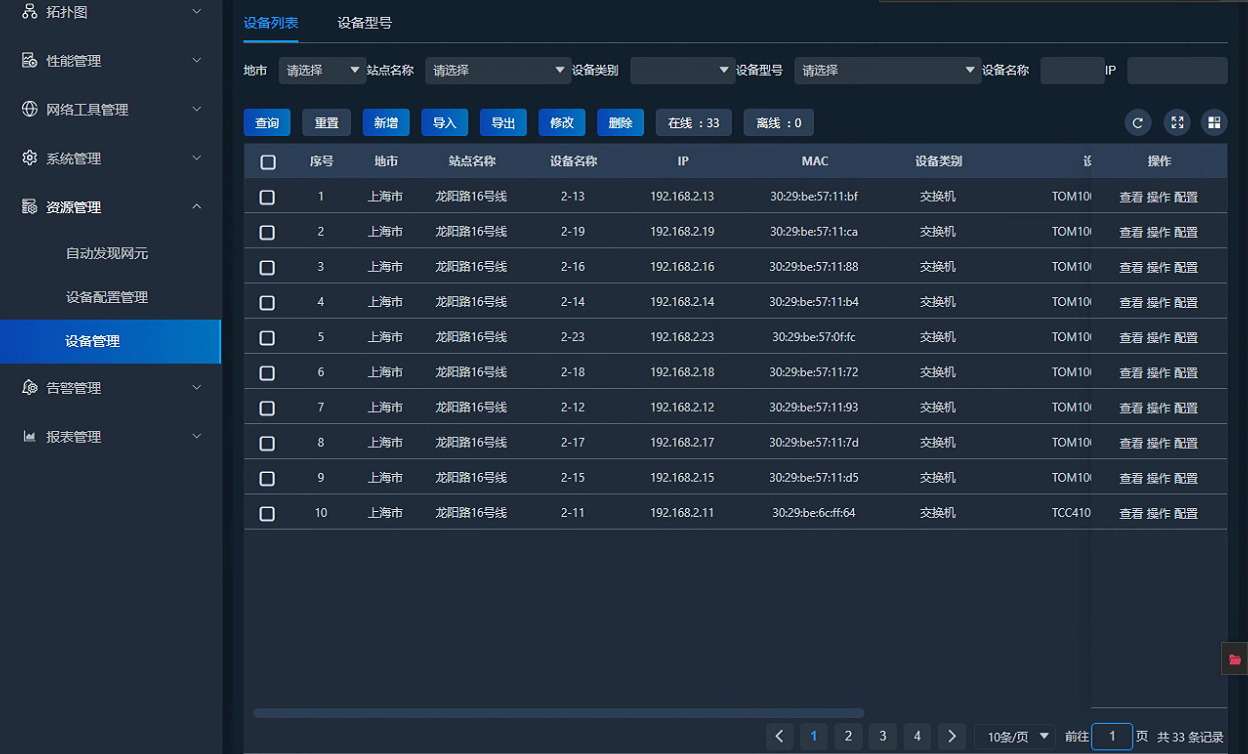
Group/classify devices; enter and display basic info and details; supports NE auto-discovery by network
Auto-discover devices by number, IP range, multi-network scope and credentials; retrieve basic info. Supports blacklist for specific devices or IPs in the discovery inventory.
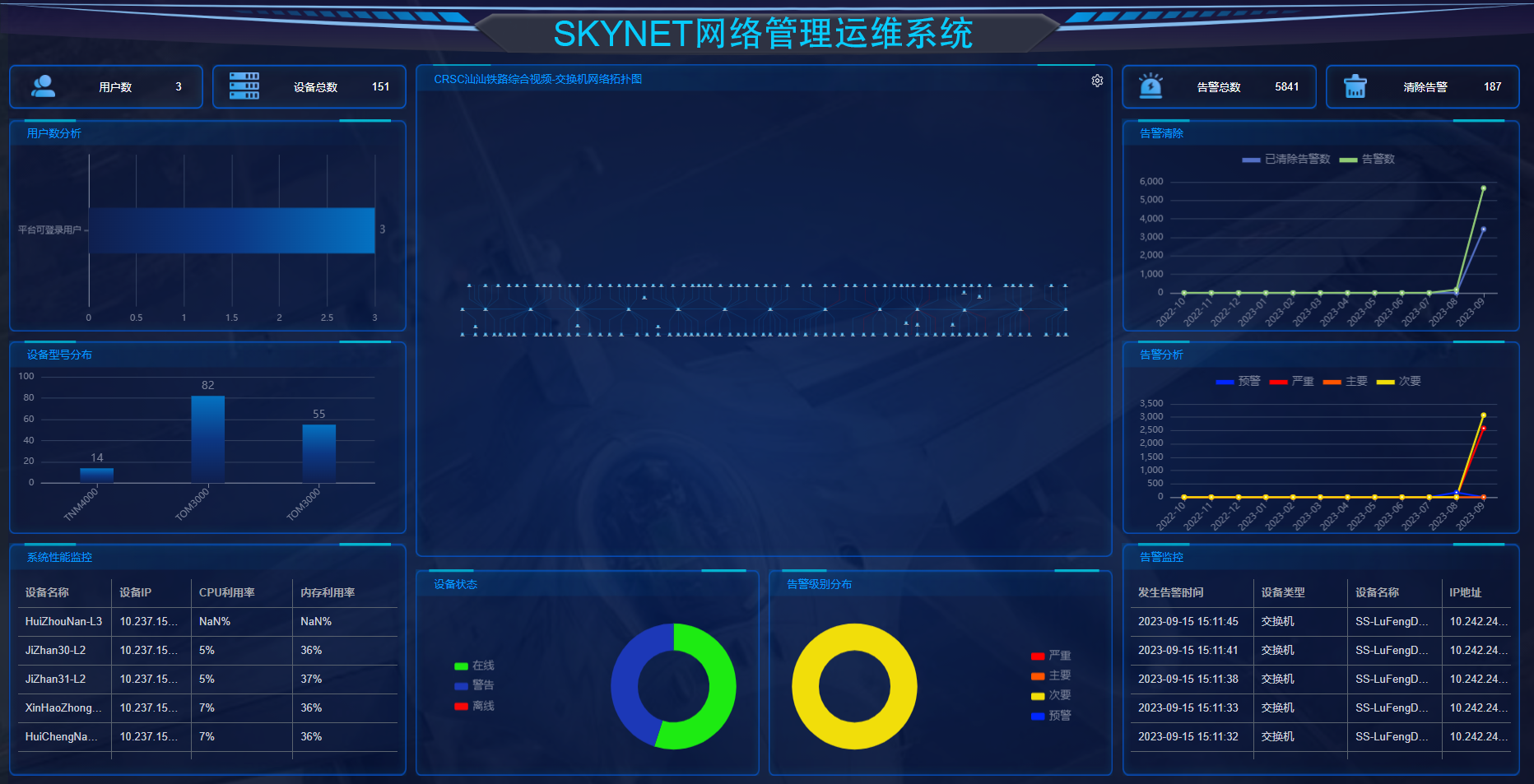
● Network Topology
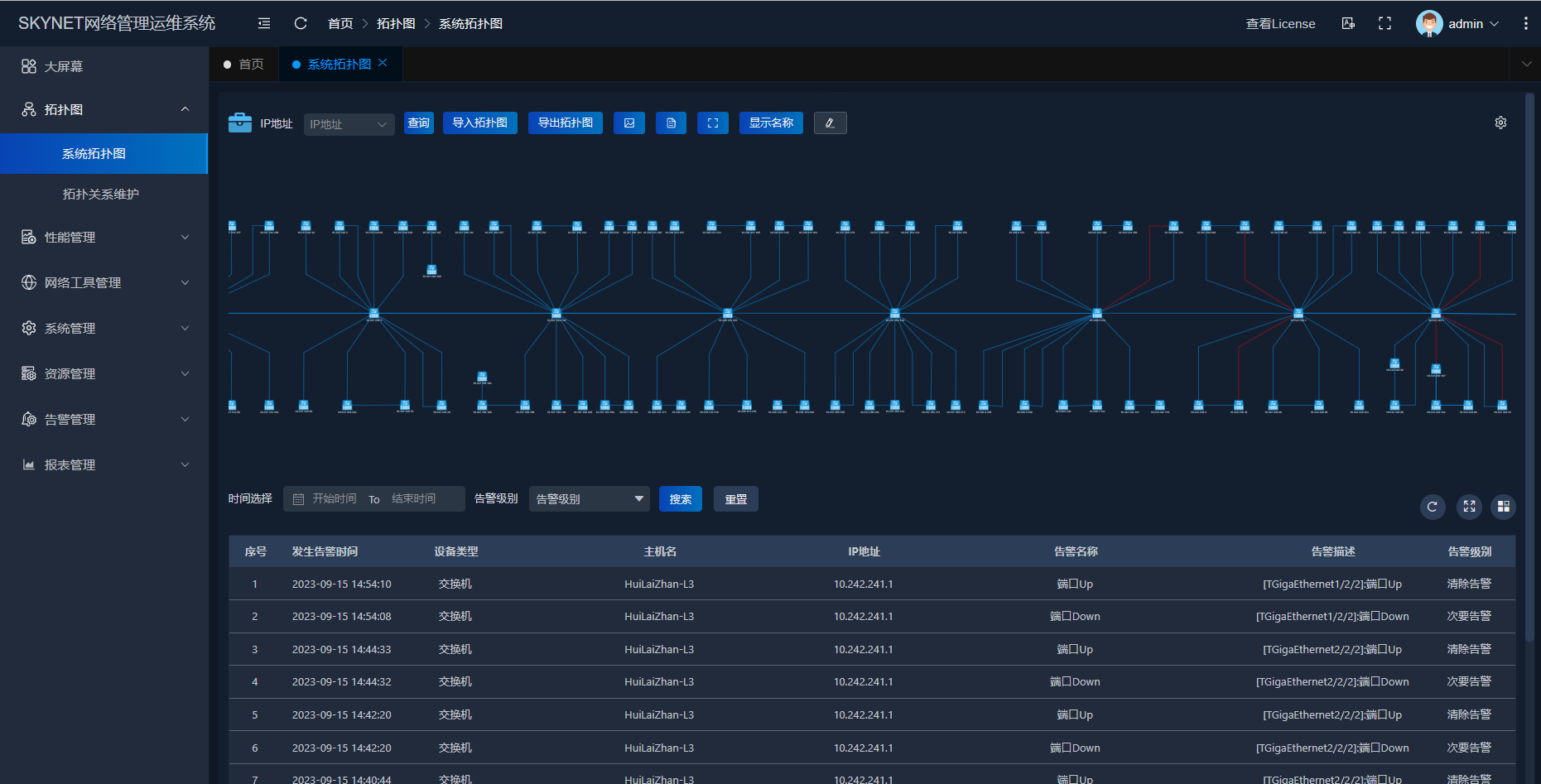
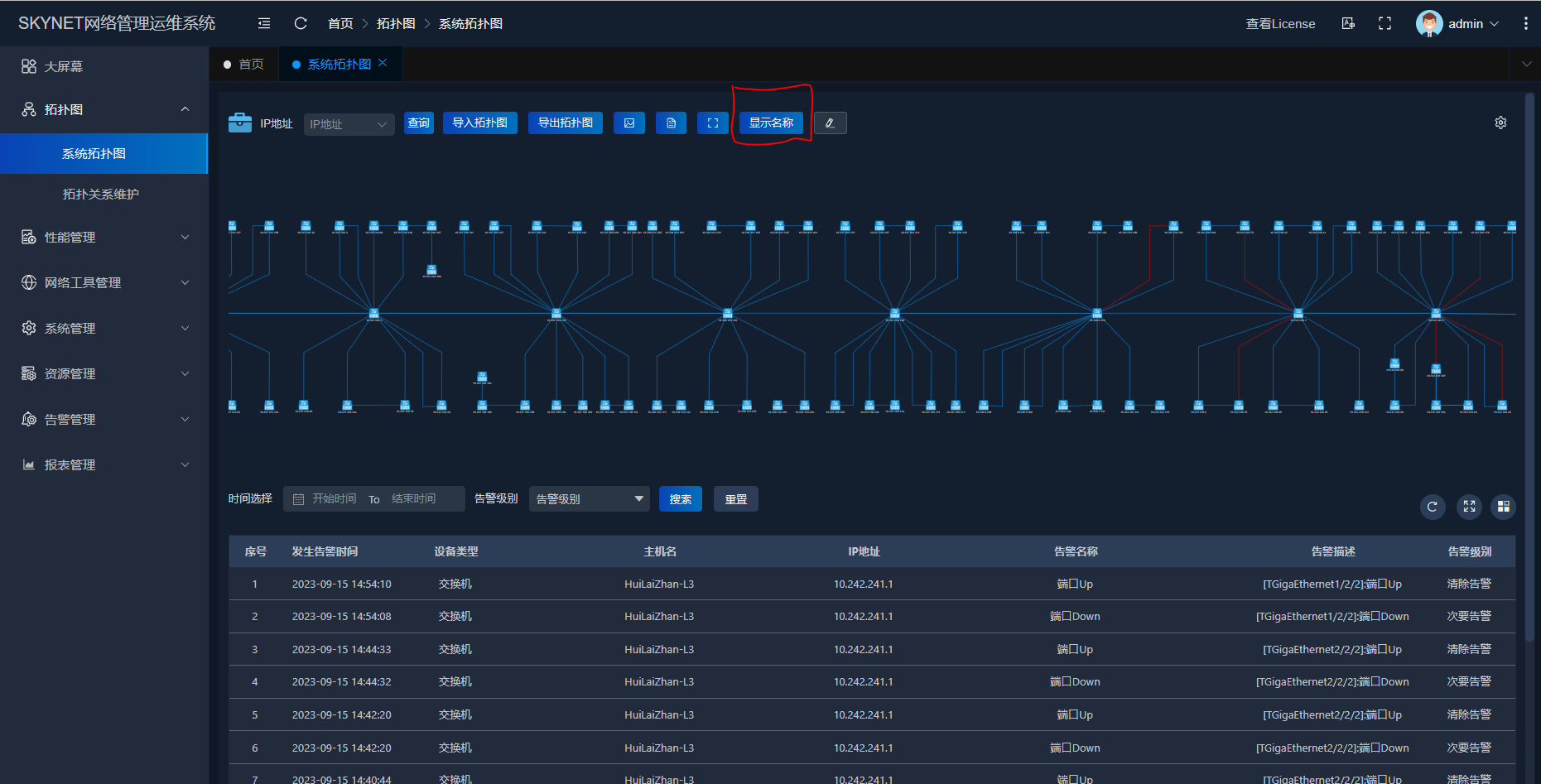
Supports manual creation of subnets, NEs and links; users can add managed NEs to custom topology. Also supports auto discovery with configurable poll frequency to refresh network changes.
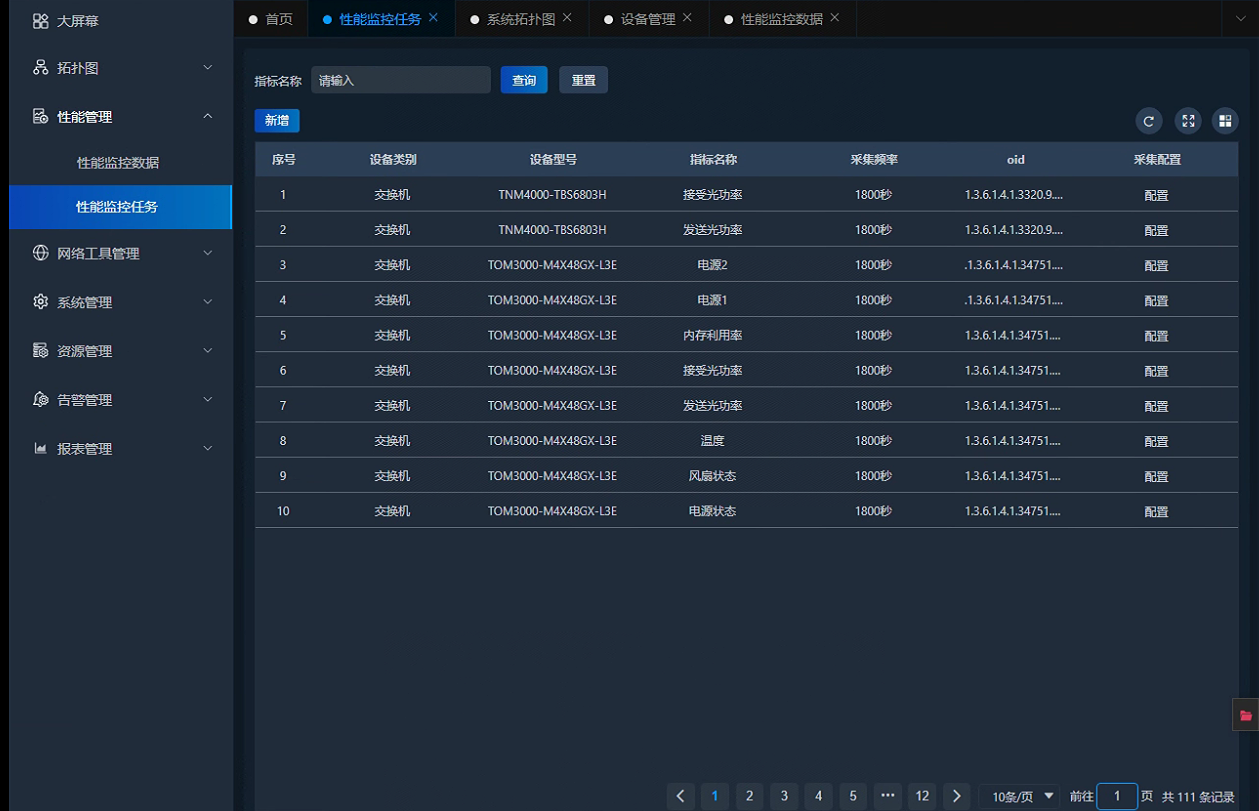
● Performance Monitoring
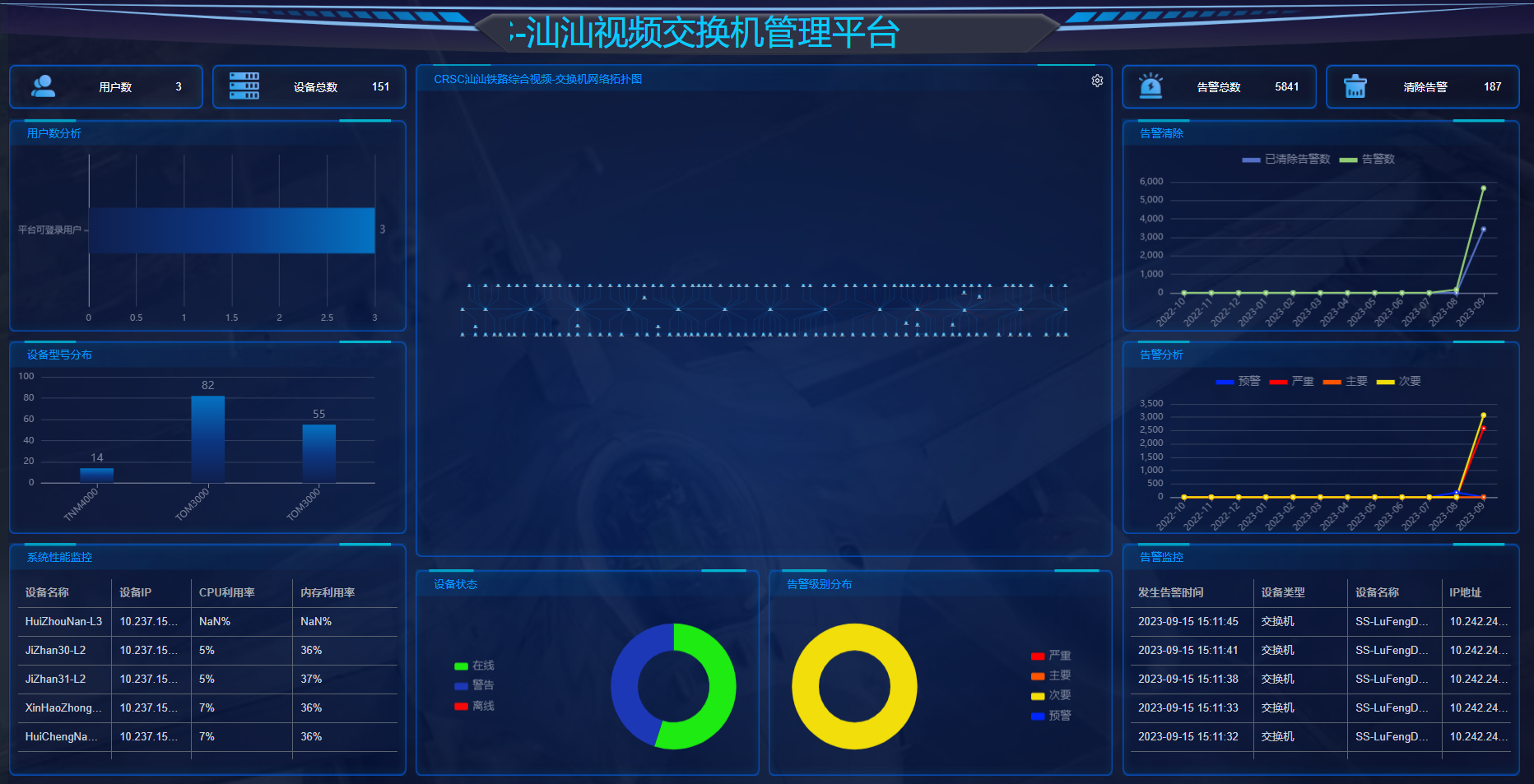
Performance monitoring covers system and interface monitoring. System: CPU/memory utilization, forwarding/interface traffic, power status, ring status, temperature, etc. Interface: traffic, RX/TX rates, bandwidth utilization, drops, FCS/CRC errors, etc.
● Alarm Management
Supports alarm notification rules, content templates, sound, suppress rules, auto-handling, severity change, basic config, type management and content dump.
● Network Tools
Provides online ping, traceroute, remote connection tools and MIB browser.
SKYNET NMS
Development Framework
Backend Framework:
Springboot + springcloud + mybatis-plus 3.2
Frontend Framework:
Vue3.0 + Element-ui 2.5 +Echarts3.0
Database:
mysql5.7.16
Cache Service:
Redis 4.0.10
Scheduled Tasks:
xxl-job 2.0 or later
Message Middleware:
ActiveMQ 5.14.0
Environmental Requirements
Operating System:
Supports Windows/Linux cross-platform deployment (Windows 7/8.1/10 1803 64-bit; Windows Server 2008 R2/2012 R2/2016/2019; PC Linux 64-bit kernel 3.10 libc6 approved for Debian/Red Hat; Debian 8/9/10, RHEL 7/8).
Browser:
Supports Firefox v90+, Chrome v86+
Language Support
UI:
Chinese, English
User Manual:
Chinese, English
License
Licensing:
License code: contact official support to obtain.
SKYNET NMS
After-sales Support
● General Fault
Respond within 60 minutes; restore within 24 hours.
● Major Fault
Respond within 30 minutes; emergency recovery within 8 hours to restore basic service.
● Critical Fault
Respond within 15 minutes; emergency recovery within 4 hours to restore basic service.
The cable is connected, but the port will not come UP / the link is down. What should I check?
+What are the PoE power specifications?
+Which ring protocols are supported, and what is the self-healing time?
+How should I choose between Layer-2 and Layer-3 industrial switches?
+Can non-OEM SFP optical modules work normally?
+How do I restore factory settings if I forget the device login password?
+What are the power supply requirements for industrial switches?
+What are the operating temperature range and protection rating of industrial switches?
+Hotline: 86-21-58330762
Zip: 201203
Email: sales@mrdcom.net
Address: No.123 Curie Road, China (Shanghai) Pilot Free Trade Zone




Copyright 2026 MRD Co LTD . All Rights Reserved Shanghai ICP No.12035199


